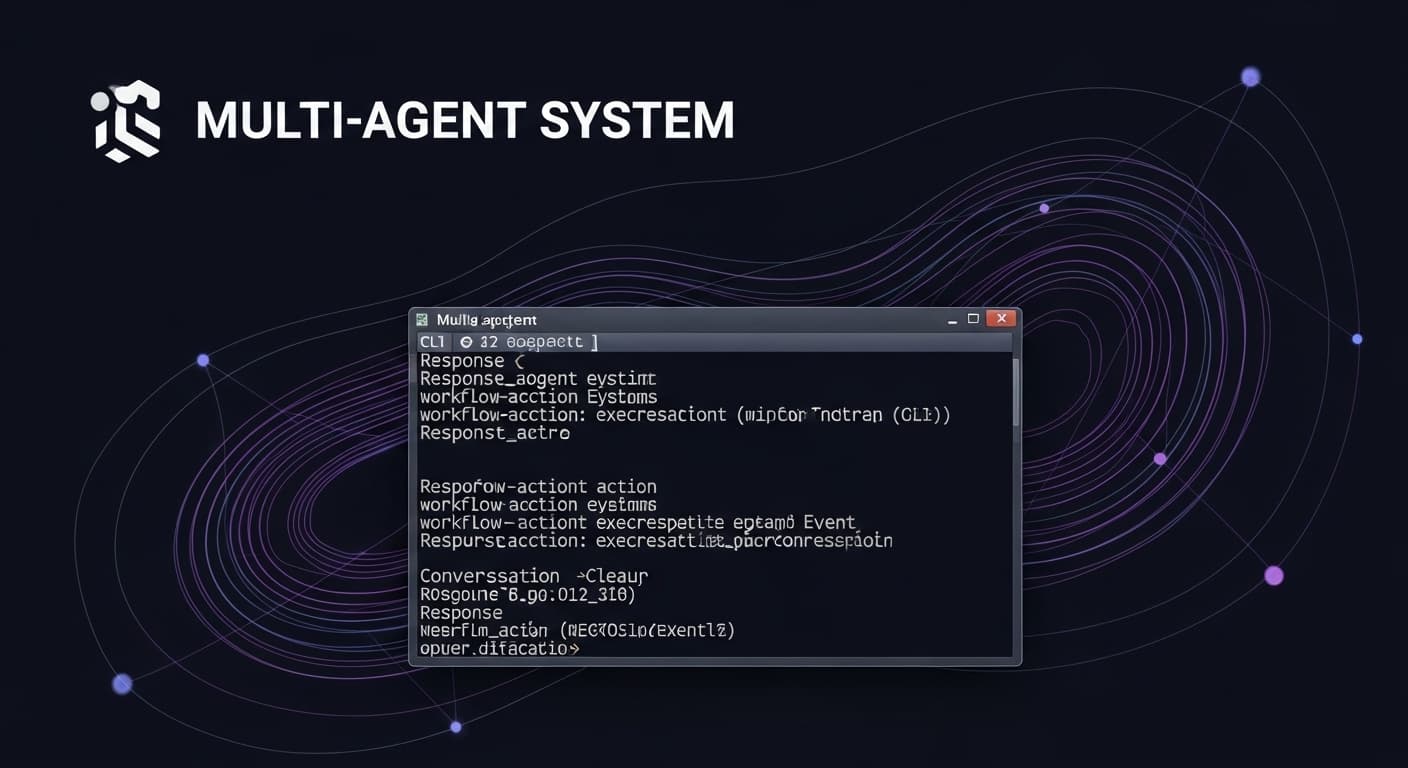
Multia-agent system
Implementation-accurate, engineering-grade documentation of a local CLI client that invokes a cloud-hosted multi-agent workflow in Azure AI Foundry, streams response and workflow-action events to the terminal, and cleans up the conversation.
Problem
The Challenge
Context
Sample environment for running an agent created in Azure AI Foundry from a local or VS Code for Web terminal. The workflow ("multi-agent", version 27) lives in an Azure AI Foundry project (mercy-genai-poc). The only entrypoint is run_agent.py: authenticate via Azure Identity, create conversation, invoke workflow with fixed input "Hello Agent", stream events to stdout, delete conversation.
User Pain Points
Teams need a minimal, reproducible way to run and debug Azure AI Foundry agents from the command line.
No web app or API layer; observation of streamed response and workflow-action events is the goal.
Why Existing Solutions Failed
Building a full web app or API for one-off local runs adds unnecessary complexity; a single-script client with streaming and explicit cleanup meets the use case.
Goals & Metrics
What We Set Out to Achieve
Objectives
- 01Run multi-agent workflow from CLI with streaming output
- 02Explicit conversation cleanup after use
- 03Minimal, reproducible local/terminal execution
Success Metrics
- 01Script connects, creates conversation, invokes workflow, streams events, deletes conversation when credentials and Azure service are available.
User Flow
User Journey
Lifecycle: run script → connect via DefaultAzureCredential → create conversation → invoke workflow (multi-agent, "Hello Agent", stream=True) → consume stream (text/workflow_action events) → delete conversation → exit.
Architecture
System Design
Single-script client. run_agent.py creates AIProjectClient, gets OpenAI-compatible client, creates conversation, invokes multi-agent workflow, consumes stream, deletes conversation. Services: Azure AI Foundry (mercy-genai-poc), Azure Identity (DefaultAzureCredential). No frontend, no database.
Backend
Services
External
Data Flow
How Data Moves
Input: hardcoded "Hello Agent" and Azure credentials (env). run_agent.py → Azure AI Foundry: conversation create, responses create, conversation delete. Azure AI Foundry → run_agent.py: stream events. run_agent.py → user: stdout (conversation id, text deltas, workflow action info, "Conversation deleted"). No persistent storage.
Core Features
Key Functionality
Run multi-agent workflow from CLI
What it does
Connects to Azure AI Foundry, creates conversation, invokes multi-agent workflow with "Hello Agent", streams and prints response and workflow-action events, then deletes the conversation.
Why it matters
run_agent.py (entire script)
Implementation
AIProjectClient; get_openai_client(); conversations.create(); responses.create() with agent reference and stream=True; loop over stream by event type; conversations.delete().
Dependency install
What it does
Installs Python dependencies from requirements.txt via pip.
Why it matters
install.sh
Implementation
pip install -r requirements.txt --user.
Technical Challenges
Problems We Solved
Why This Was Hard
Second branch is unreachable (same condition as first).
Our Solution
Not addressed in code; first branch only ever runs for that event type.
Engineering Excellence
Performance, Security & Resilience
Performance
- Streaming (stream=True) for incremental output; no buffering of full response.
- Conversation explicitly deleted after use so Azure project does not accumulate state.
Error Handling
- No try/except or error handling in run_agent.py.
- No handling for conversation create failure, stream errors, or delete failure; failures surface as unhandled exceptions.
Security
- DefaultAzureCredential; no credentials in repository.
- No user-supplied input; single hardcoded string; no injection surface.
- No application-level auth or rate limiting in script.
Design Decisions
Visual & UX Choices
CLI only
Rationale
No frontend; terminal stdout is the only UI.
Details
User runs python run_agent.py and sees conversation id, streamed text deltas, workflow action events, and "Conversation deleted".
Impact
The Result
What We Achieved
Single-script, CLI-only client for Azure AI Foundry multi-agent workflows: streaming output and explicit conversation cleanup. When credentials and Azure service are available, the script connects, creates a conversation, invokes the multi-agent workflow with "Hello Agent", streams response and workflow-action events to stdout, and deletes the conversation.
Who It Helped
Solo sample; Azure AI Foundry (mercy-genai-poc) hosts the workflow and conversation API.
Why It Matters
Meets the stated purpose of a sample environment for running an agent from a local or VS Code terminal, at the cost of no user input, no error handling, no config loading, and no extensibility beyond the hardcoded flow.
Verification
Measurable Outcomes
Each outcome verified against reference implementations or test suites.
Script successfully invokes multi-agent workflow and prints streamed output when credentials and Azure service are available.
Reflections
Key Learnings
Technical Learnings
- Single-script client keeps setup minimal; streaming (stream=True) matches debugging/local-run use case.
- Explicit conversation delete avoids leaving conversation state in the cloud project.
Architectural Insights
- No abstraction layer; one file handles connection, conversation lifecycle, request, streaming, and printing.
- Client–server split: local script vs. Azure AI Foundry; no database or cache in repo.
What I'd Improve
- Add error handling, user-supplied input (CLI/config), config file loading, logging, remove dead code (duplicate elif), consider retries/backoff.
Roadmap
Future Enhancements
Add try/except around conversation create, stream consumption, and conversation delete; handle network/auth/Azure errors with clear messages or exit codes.
Accept prompt (and optionally agent name/version) via CLI arguments or config.
Read endpoint and agent reference from environment or config file.
Add structured or simple logging (request id, conversation id, stream start/end).
Remove or consolidate duplicate elif for RESPONSE_OUTPUT_ITEM_ADDED and workflow_action.
Consider retries with backoff for conversation create and responses.create.